
Official Personal ID Card
The Qatar ID is the official personal identification card used by citizens and residents in Qatar.
Stay informed about your Qatar ID status. Check validity, expiry, and renewal
details easily through the official MOI portal or Metrash app.
Residents of Qatar need a Qatar ID every day to manage multiple essential tasks of routine. For example, they need a valid ID for banking, healthcare, renting a home, and to pass airport e-gates. That's why it is essential to keep your ID active with proper Qatar ID Check. If your Qatar ID expires, you may be unable to perform various tasks.
You can easily check your QID status, such as whether it's valid, expired, or under renewal, online, just by following a few simple steps. You can use two options for QID checks. These options include the official Ministry of Interior (MOI) Qatar online services and the Metrash app. From the MOI portal, you will get a complete document inquiry, which allows you to search using your Qatar ID number or passport details. For visa details, use Qatar Visa Check or follow our visa status guide.
In this guide, we will explore in detail the QID, its different methods to check status, and more. So keep reading!
The Qatar ID, which is also abbreviated as QID, is the official personal identification card used by citizens and residents in Qatar. It carries your photo, an 11-digit ID number, sponsor details, and an expiry date. The Ministry of Interior issues this card, which contains personal information.
Each card provides a specific identity number, which is used for government, banking, and other transactions. However, the validity of the ID card is linked to the person's permission to stay in Qatar. Depending on the category and approval, Qatar usually issues residence permits to expatriates for 1 to 5 years.
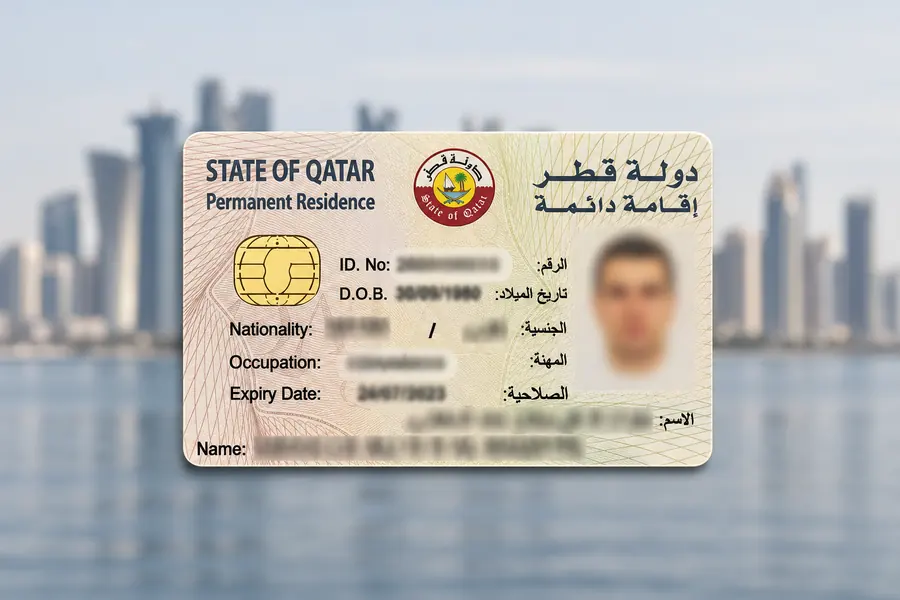
The Qatar ID is the official personal identification card used by citizens and residents in Qatar.
It carries your photo, an 11-digit ID number, sponsor details, and an expiry date.
The Ministry of Interior issues this card, which contains personal information.
The validity of the ID card is linked to the person's permission to stay in Qatar. Depending on the category and approval, Qatar usually issues residence permits to expatriates for 1 to 5 years.
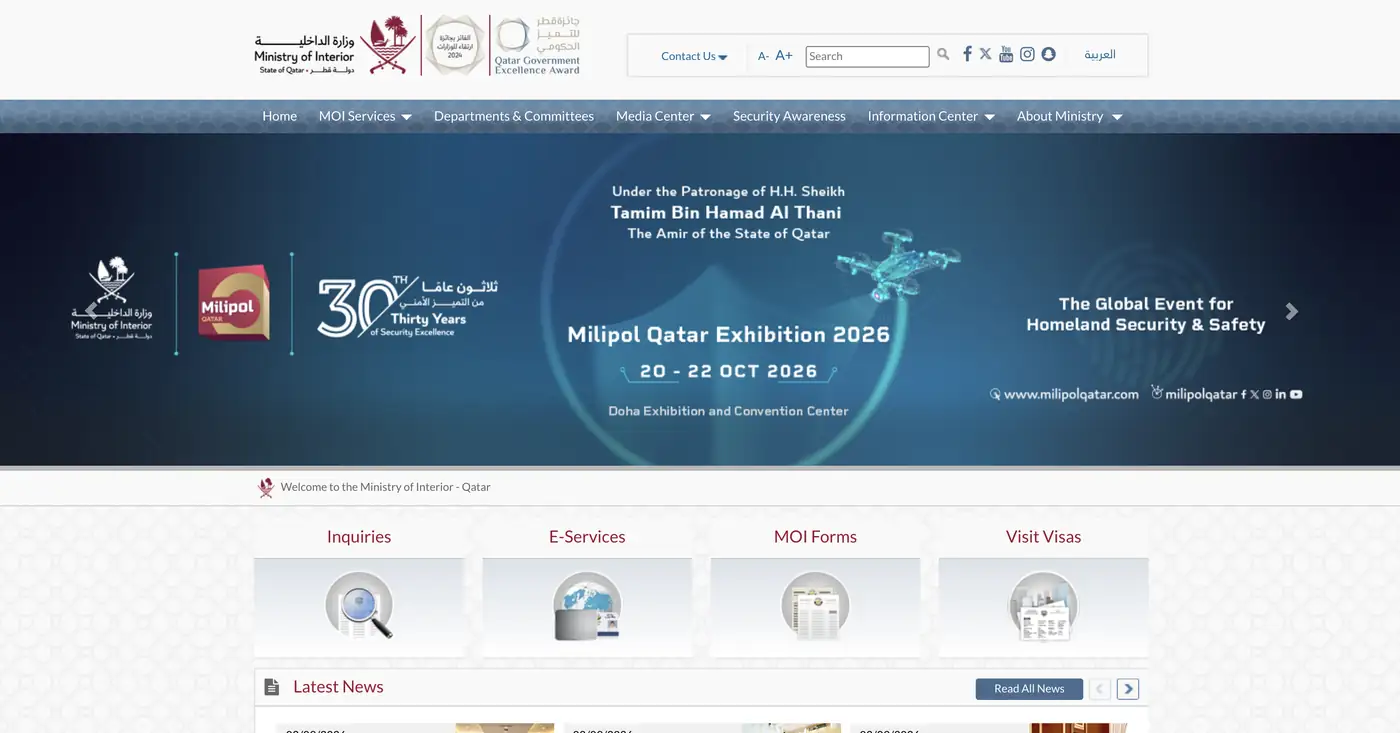
The MOI portal is the official option for checking your Qatar ID. You can follow these steps to check your ID status:
You should open your browser and go to the MOI portal: moi.gov.qa.
Now, select your preferred language.
Next, click on the “Inquiries” option and then on “Other Inquiries.”
After that, click on the “Official Document.”
Select either your QID number or passport number and then enter it carefully.
Type the CAPTCHA and click on the search icon.
After loading, all your ID details will appear on screen. You can view your Qatar ID status easily.
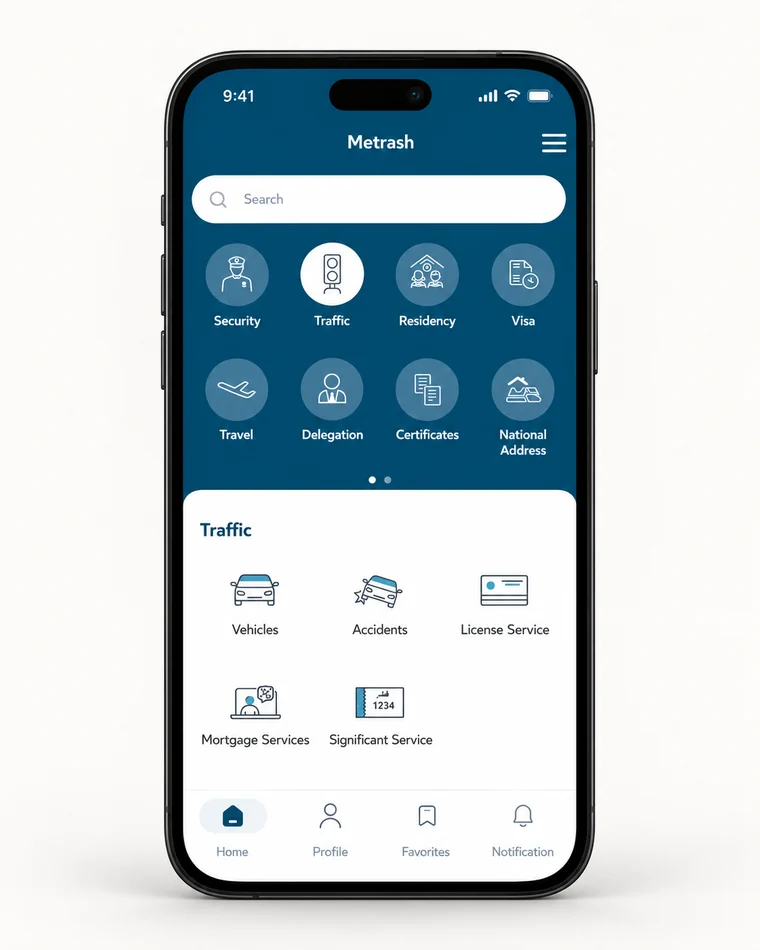
Metrash is the official app provided by the Ministry of Interior. By using it, you can
quickly
see the latest notifications and access different MOI transactions.
Choose your device to get the app.
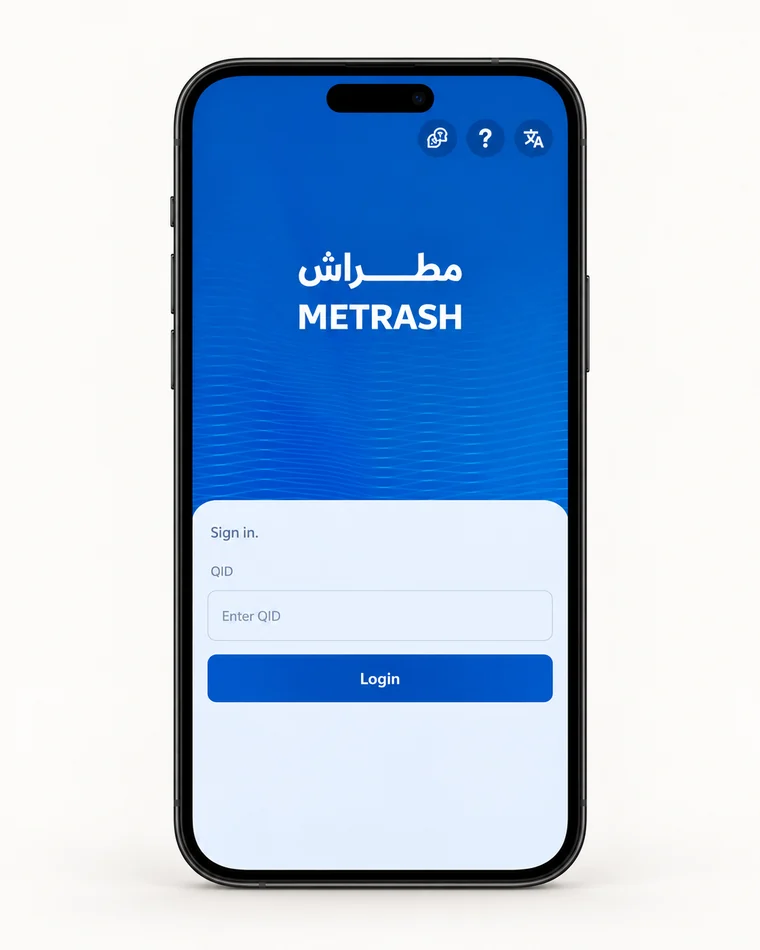
Firstly, download the Metrash app on your Android or iOS device from the Google Play Store or App Store, respectively.
Enter your QID number, tap Login, and follow the app’s sign-in instructions.
Open the residency or personal services section.
Select the service related to your QID or residence permit.
Now, follow the instructions displayed on the screen.
Review the available QID or residency information.
For residents who are not able to use technology or don’t have access to a stable internet connection, you can use offline methods for Qatar ID check. Most commonly used offline methods are given below:
for Everyone
Support
MOI Services

To check your QID expiration date or renewal date, you can also send an SMS to the MOI portal. They will provide a quick response within minutes.
1Open your text message section and enter your 11-digit QID number.
2Now, click on the send option and enter the recipient’s number 92992.
3Lastly, click on the Send button to complete the process.
You can also visit the MOI service center in person with your passport and QID. The dedicated staff will attend you well and provide all the required details.
| Service Centre | Timings | Contact Number |
|---|---|---|
| Mesaimeer | 7:00 AM – 12:30 PM | 2350888 |
| Al Rayyan | 7:00 AM – 12:30 PM | 2350333 |
| Al Shahaniya | 7:00 AM – 12:30 PM | 2352888 |
| Al Wakra | 7:00 AM – 12:30 PM | 2351055 |
| Al Khor | 7:00 AM – 12:30 PM | 2351299 |
| Al Shamal | 7:00 AM – 12:30 PM | 2351900 |
After checking your QID status, you will receive multiple responses. For new
residents, it can be difficult
to understand these responses; that’s why here is a table showing complete details of
QID status:
| Status/Result | What It Generally Indicates |
|---|---|
| Valid | Your document or residency information is currently within its validity period |
| Expired | The displayed validity period has ended |
| Under Process | A related application or renewal may still be processing |
| Application Information | Details connected with a submitted application may be available |
| Renewal Information | Information about a QID/RP renewal may be displayed |
However, your ID expiry date is mentioned on your ID card. But still if you want to
search it online,
then here are easy steps:
You should visit the official MOI Portal.
Now, click on Inquiries, select Other Inquiries, and click on Official Documents.
Enter your 11-digit QID Number or your Passport Number.
Type the verification CAPTCHA code shown on the screen.
Click Search to view your residency status, full name, and exact card expiry date.
However, your ID expiry date is mentioned on your ID card. But if you still want to
search it online, here are the easy steps:
You should visit the official MOI Portal.
Now, click on Inquiries, select Other Inquiries, and click on Official Documents.
Enter your 11-digit QID Number or your Passport Number.
Type the verification CAPTCHA code shown on the screen.
Click Search to view your residency status, full name, and exact card expiry date.
You should renew your QID or residence ID before your current validity ends. However,
for expatriate residents,
the MOI states that a residence permit must be renewed three months before expiry or
within the 90-day grace
period after expiry.
Renew before expiry or within the 90-day grace period after expiry.
Make sure your passport is valid, and your sponsorship is active.
Log in to Metrash using the sponsor’s account.
Go to the Residency option, then Renew Residency and select the QID.
Choose a renewal period of 1, 2, or 3 years.
Pay the required fee by card.
Select QPost delivery or MOI service centre collection.
Save the receipt and SMS, then track the renewal status in Metrash.
A Qatar ID check can help citizens verify critical details about their ID, including their document validity and expiry. This can be done via the official MOI Qatar website or Metrash.
In case you want to renew or are facing expiration issues, you should check the latest status from the MOI services. And renew your QID within the required timeframe to avoid unnecessary fines.
FAQs
Usually, an incorrect QID number, incorrect nationality selection, or an unstable internet connection leads to the QID not showing. You must recheck the entered details and try the official MOI service again.
If you do not renew your ID within the 90-day grace period, then you will be charged QAR 10 per day, with a maximum of QAR 6,000 from the MOI.
The ID processing time varies according to your type of QID or residence application and the required procedures. So you must check the relevant MOI status service.
The validity period is usually one to three years, depending on your residence permit type.
You can track your QID processing from the MOI portal or the Metrash app. MOI also provides RP Application Tracking & Printing service for residence-permit applications.