
How to Check Qatar Visa online?
Using MOI Portal, Passport Number, & More.
Published: Last updated:
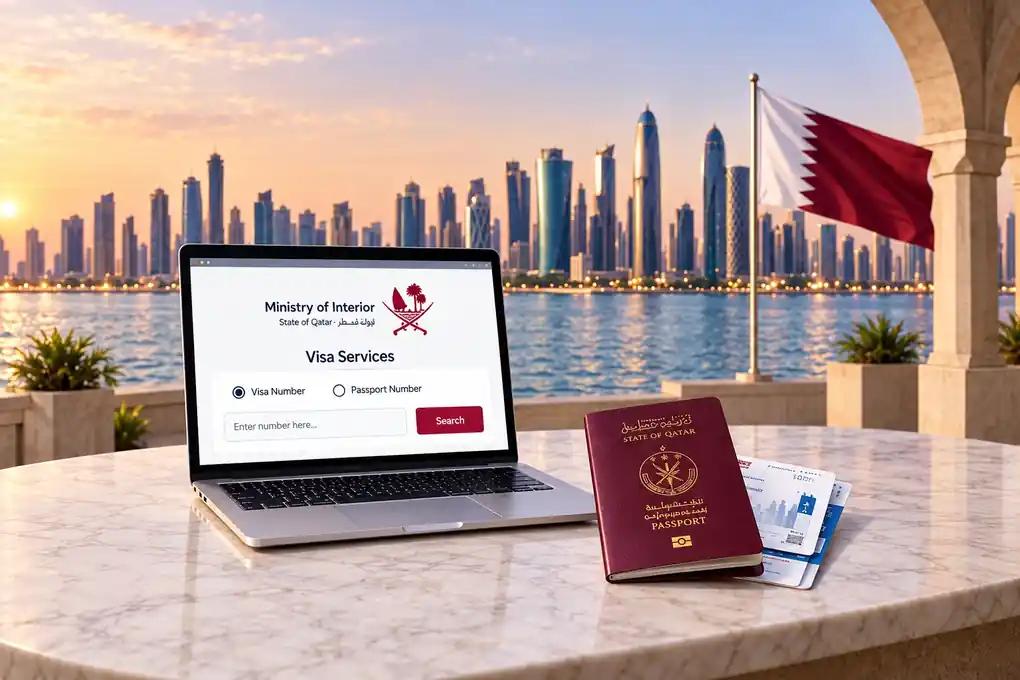
It is human nature to keep checking for the visa or any legal documents after applying for them. Something similar happens with travelers who apply for a Qatar visa and want to know if their visa has been approved, rejected, or needs improvements.
Many also wonder how to check a Qatar visa online. Fortunately, there are online services through which applicants can check their Qatar visa status and view available details easily. Different options for a Qatar Visa Check include using the MOI portal, QVC, passport number, or visa number.
Additionally, you must know the meaning of each status for further processing. After checking, you can also view visa details and print them. For ID validity and renewal, see our Qatar ID Check guide.
In this guide, we will explore easy and different methods to check Qatar visa, their status, and more. So keep reading!
How to Check Qatar Visa Online
Through the MOI Portal?
You can check the Qatar visa status from the official MOI portal by following these steps:
Go to Inquiries and then select visa service.
Select the Visa Inquiry and Printing service.
Choose a search option using visa number or passport number.
Enter the details selected for the Qatar visa check.
Enter your visa or passport details in the form.
Select your nationality when required.
Enter the CAPTCHA shown on the screen.
Click the inquiry or search button.
Review the visa details displayed on the screen.
How to Check Qatar Visa Status
by Passport Number?
If you do not have your visa number, you can choose an option to check your Qatar visa
by passport number.
Here are quick steps to check your visa through your passport number:
Open the MOI Website
Search for and open the MOI Qatar website.
Go to Inquiries
Now, go to “Inquiries” and then visit the Visa Service option.
Select Visa Service
Select “Visa Inquiry & Printing”.
Choose Passport Option
From the search option, choose passport and enter details in the form.
Enter Required Details
You should enter your passport number, nationality, and complete the CAPTCHA code. Click on the submit button.
View Your Visa Status
On-screen, your visa status will appear, showing any of these statuses: under process, approved, or rejected.
How to Check Qatar Visa
Using Visa Number?
Checking visa details by using the visa number creates more accurate results. You can
also print the Qatar visa
when you check by visa number. Follow these steps for visa checking via visa number:
Open the MOI Website
Search for and open the MOI Qatar website.
Go to Inquiries
Now, go to “Inquiries” and then visit the Visa Service option.
Select Visa Service
Select “Visa Inquiry & Printing”.
Choose Visa Number Option
From the search option, choose visa number and enter details in the form.
Enter Required Details
You should enter your visa number, nationality, and complete the CAPTCHA code. Click on the submit button.
View Your Visa Status
On-screen, your visa status will appear, showing any of these statuses: under process, approved, or rejected.
Print Your Visa
You can also print your Qatar visa directly after checking the details.
Use a valid visa number and correct details to get accurate results and print your Qatar visa easily.
Check Qatar Visa Through
Qatar Visa Center
Applicants who applied through the Qatar Visa Center can check their application
by following these steps:
Open the QVC Website
Open the QVC website in your browser and then go to the relevant visa service section.
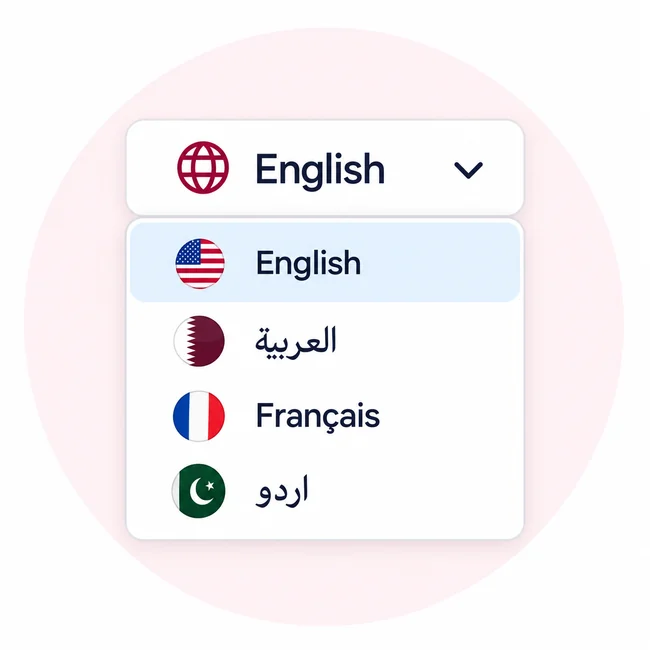
Select Language and Service
Now, select your preferred language and then select the Track Application or Visa Inquiry section.
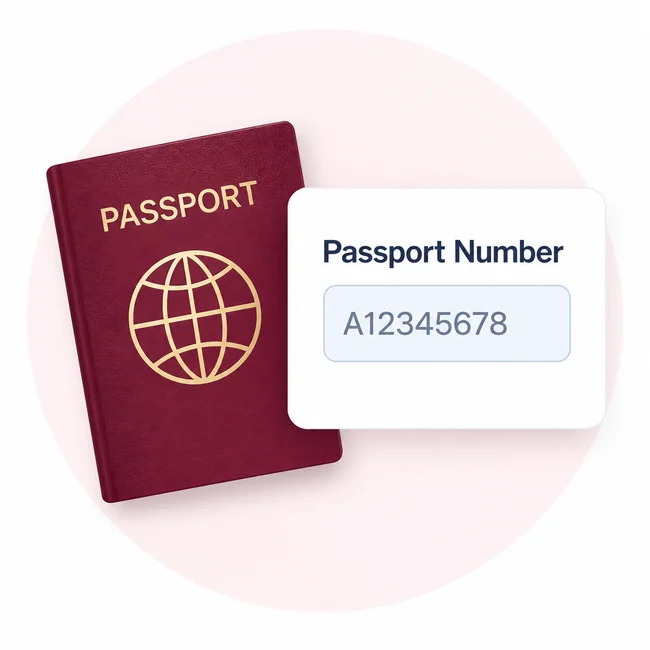
Enter Passport Number
In the form, you should enter your Passport Number.
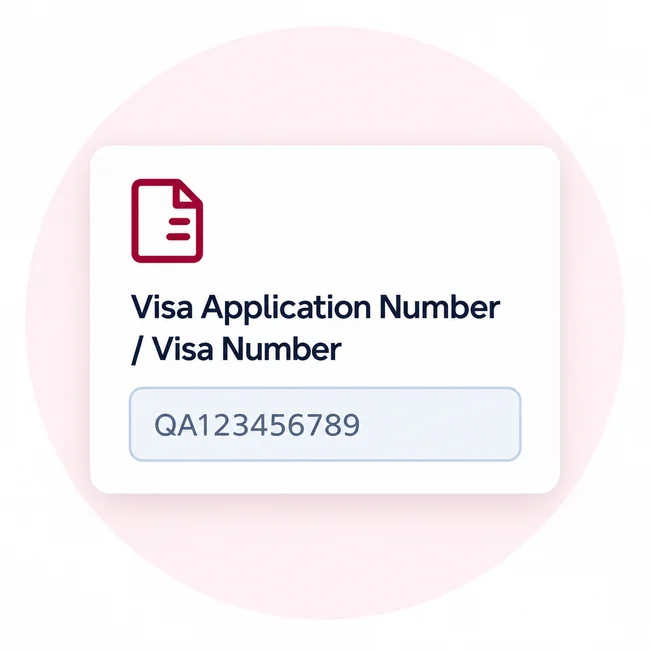
Enter Application or Visa Number
Now, enter your Visa Application Number or Visa Number.
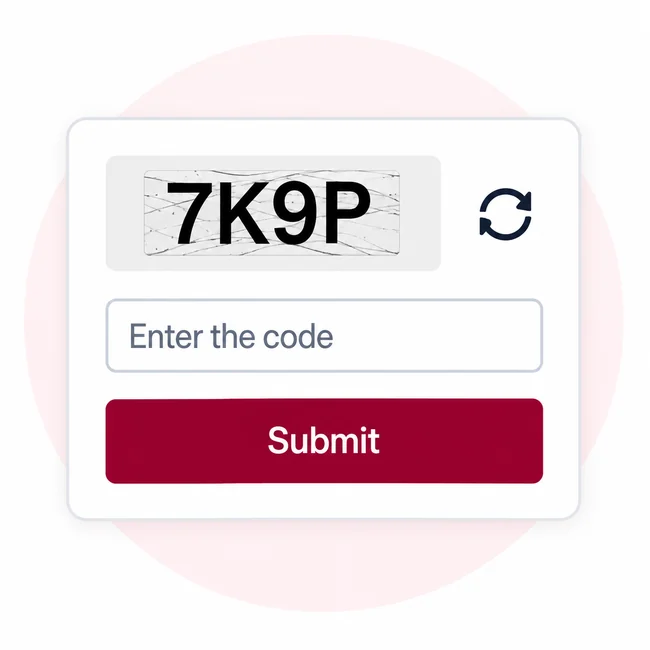
Complete CAPTCHA and Submit
Complete the verification code or CAPTCHA, and click Submit to view your current status.
What Information Can You See in a
Qatar Visa Check?
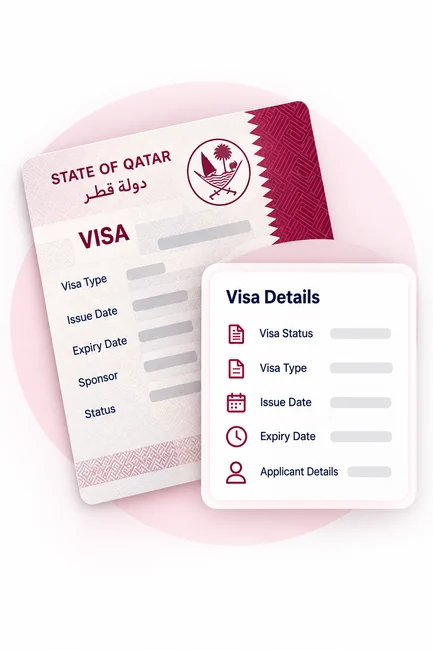
When you check your Qatar Visa from the MOI portal, you will see
important details about your visa or application.
But you should also know that the exact information varies according to your visa type
and current status.
Here is a table showing information you can see from the MOI
portal:
| Information | What It Shows |
|---|---|
| Visa status | Shows whether the visa is approved, under process, rejected, or expired. |
| Visa type | Indicates the category of visa issued or applied for. |
| Issue date | Shows when the visa was issued. |
| Expiry or validity | Shows how long the visa remains valid. |
| Applicant details | Displays information linked to the visa application. |
| Sponsor information | May show details of the employer, company, or individual sponsoring the visa. |
| Additional remarks | May display updates or pending requirements related to the visa process. |
Understanding Qatar Visa
Statuses Meanings
The Qatar visa status tells you where your visa application is and what the process
is.
A table will tell you complete details about each status’s meaning and more.
| Visa Status | Meaning | What to Do |
|---|---|---|
| Under Process | Your application is currently being assessed by the relevant authorities. | Wait for the next update and check the status again later. |
| Approved | The authorities have accepted and approved your visa application. | Complete any remaining requirements and prepare your travel documents. |
| Ready to Print | Your approved visa is available to view or print. | Download or print a copy and keep it with your travel documents. |
| Rejected | The authorities have not approved your visa application. | Check the available information about the rejection and see whether you can correct the issue and submit a new application. |
| Cancelled | The visa is no longer active because it has been withdrawn or cancelled. | Contact your sponsor or the relevant authority to understand the reason and available options. |
| Expired | The visa has passed its permitted validity period. | Check whether an extension or a new visa is required before making travel arrangements. |
What to Do If Your Qatar Visa
Status Is Not Showing?
Firstly, you should not panic if your Qatar visa information does not appear
immediately on screen.
You can follow these steps to know the reason and fix it:
Check Your Information
You must ensure you entered the right information, such as passport number, visa number, and nationality.
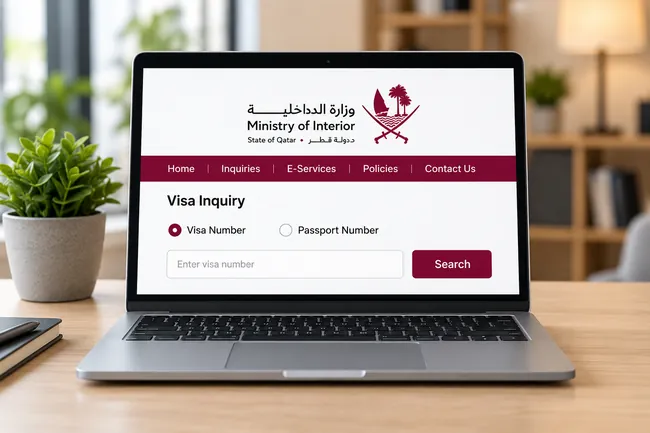
Use the Right MOI Portal
Also ensure that you are using the right MOI portal, and that it is not down.

Application in Process
If your application is still being processed, then the final visa details may not be available.
Contact the Authorities
If the visa details still do not load, you should contact the MOI Qatar support team or relevant Qatar authority.
Firstly, you should not panic if your Qatar visa information does not appear immediately on screen. You can follow these steps to know the reason and fix it.
How to Print Your Qatar Visa
After Checking the Status?
The MOI portal provides a feature to print or reprint your visa details so that you
can use them
in real life or submit without documents.
Here are the steps to print your Qatar Visa:
Open the MOI Service
You should open the MOI Visa Inquiry and Printing service.
Search Your Details
Search using your visa or passport details.
Complete Verification
Complete the verification code.
Submit the Inquiry
Submit the inquiry.
Open Visa Record
Open the available visa record.
Print or Save
Use the available print option to print or save the document.
Make sure the information on your printed visa is correct and matches your travel documents.
Processing Time of Qatar Visa
The processing time of all visas is not the same. It varies according to the visa
type, category, and country.
But for your rough estimate, here we have provided a
guide on Qatar visa processing time:
Tourist Visa
2 to 5 working days
Business Visa
5 to 10 working days
Work Visa
2 to 4 weeks
Family Visa
1 to 3 weeks
Residence Visa
3 to 6 weeks
Transit Visa
1 to 3 working days
Processing times are estimates and may change due to additional document requirements, public holidays, or the specific circumstances of your application.
Summary
There are different easy ways to check Qatar visa status online. You can check visa
records by using
any method from the MOI portal, passport number, visa number, or QVC.
Check Your Visa Status
You can check Qatar visa records online by using any method from the MOI portal, passport number, visa number, or QVC.
Review and Use the Details
Once you get the result, you should review the displayed status and visa details carefully. After that, you can print the details from the MOI portal and use them.
Make sure the information you check matches your official documents and keep a printed copy for future reference.
FAQ
Find answers to common questions about Qatar visa checking, status, and related services.
01How to appeal for the rejected Qatar visa?
To reapply, you should check the rejection details and contact the relevant Qatar authority, like QVC, to get information about visa processing and reapplication.
02Do all Qatar visas have the same validity period?
No. The validity period of Qatar visas varies according to visa type and other conditions attached to it.
03What is the Ministry of Interior (MOI)?
The Ministry of Interior is an official Qatar government authority which handles immigration, passports, residency, and related services.
04Can someone else check my Qatar visa status on my behalf?
Yes. Anyone can check your visa status if they have your passport number or visa number. But you should avoid sharing personal details with people you do not trust.
05How long does it take to process a Qatar visa?
Processing times vary by visa type, documents, and the circumstances of the application.
06Can I check my Qatar visa status with an application number?
Applicants who applied through Qatar Visa Center can use the available application tracking service.